
IPTV for Sports: Watch Every Game Live in HD & 4K
Football, basketball, fight nights and race days — how to get a sports stream that holds up when the whole world presses play at the same time.
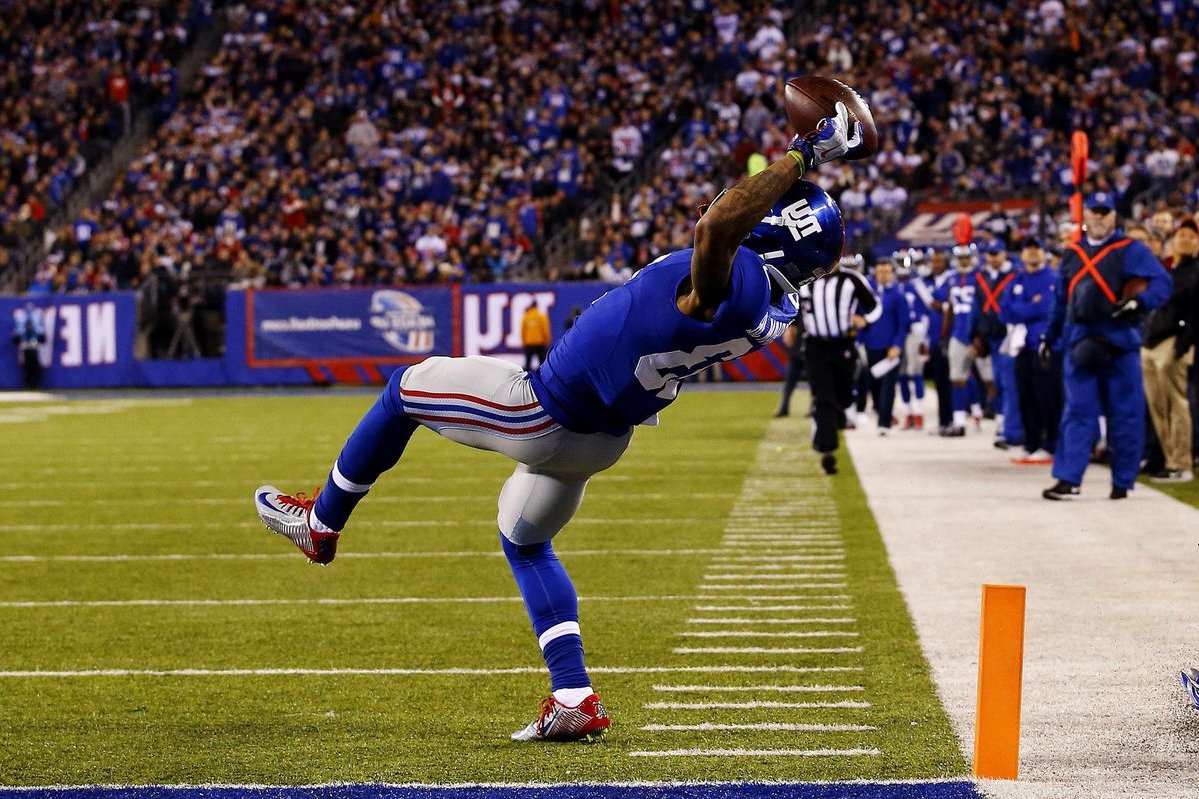
Sports is the hardest test for any IPTV service. A movie can buffer for a second and nobody notices; a stream that freezes on a game-winning play is the reason people cancel. Below is what BangosPlay includes for sports fans, what your own setup needs, and how to check the stream before the game that matters.
Which Sports Can You Watch?
BangosPlay's 23,000+ live channels include sports networks from the USA, the UK, Canada and Europe, covering:
- American football — NFL and college football.
- Basketball — NBA and college basketball.
- Hockey and baseball — regular season and playoffs.
- Soccer — European leagues, cups and international matches.
- Fight sports — UFC, boxing and wrestling.
- Racing, tennis and more — motorsport weekends and the major tournaments.
Channel lineups change over time, so if you follow one specific league or team, check it during a free trial before you choose a plan.
PPV Is Included in Every Plan
Pay-per-view events — the big boxing and UFC cards — are part of every BangosPlay plan, from the 1-month option up. There is no separate fee per event: the event channels appear in your list and in the TV guide like any other channel.
Why Sports Streams Buffer — and How We Handle It
Everyone presses play at once
Traffic on an IPTV server jumps at kick-off. Cheap services oversell their servers and the stream collapses exactly when you need it. BangosPlay uses Anti-Freeze servers sized for those peaks, with 99.9% uptime.
Fast motion needs a clean picture
A ball in flight or a quick camera pan exposes a low bitrate immediately. Our sports channels stream in HD, Full HD and 4K — see what each quality level needs.
Streams run slightly behind TV
Every internet stream, IPTV included, runs a little behind the live broadcast — usually from a few seconds to under a minute. If you follow the game on a live-score app too, mute its notifications to avoid spoilers.
Game-Day Checklist
| What | Recommended | Why it matters |
|---|---|---|
| Connection | Ethernet cable or 5 GHz Wi-Fi | Steadier than 2.4 GHz when the whole house is online |
| Speed | 15 Mbps for HD, 25+ Mbps for 4K | Headroom stops the picture dropping in quality |
| Device | Firestick 4K Max or NVIDIA Shield | Fast channel switching and smooth 4K decoding |
| App | TiviMate or IPTV Smarters Pro | Good TV guide, favorites and catch-up support |
| Before kick-off | Restart the device and the app | Clears memory on low-power sticks and Smart TVs |
Still seeing freezes? Our setup guide has network fixes (DNS, Wi-Fi band, VPN) that solve most buffering on the viewer's side.
Find the Game Fast
With thousands of channels, the TV guide (EPG) is how you find a match: open the guide, look at the time slot, and jump straight to the channel. Add the channels you watch every week to your favorites so they sit at the top of the list, and use catch-up on channels that support it if you miss the start.
Test It Before the Big Game
The only test that counts is a live event at peak time. Request a free trial, open a sports channel while a game is on, switch between a few channels, and watch for a few minutes. If it holds up then, it will hold up on game day. Watching from the States? Our USA IPTV guide covers US channels and devices in more detail.
Sports IPTV Questions
Do I pay extra for PPV events?
No. PPV is included in every plan with no per-event fee.
Can I watch sports in 4K?
Yes, on 4K channels, with a 4K TV, a device that decodes H.265 and around 25 Mbps or more.
Can I watch on two screens at once?
One subscription is designed for one connection at a time. If you need two screens at once, ask support about a second connection.
Ready for Game Day?
Every plan includes live sports, PPV events, HD and 4K channels, and 24/7 support — or test it first with a free trial.
View Packages