
How to Set Up IPTV on Android Devices
Install IPTV on Android phones, Android TV and Android boxes using the best IPTV apps and an Xtream Codes API login.
Whether you have an Android phone, an Android TV or an Android box, this guide shows you the complete steps to get IPTV running smoothly: which player to install, how to install it, and how to log in with the Xtream Codes API for the best performance.
Best IPTV Players for Android
To watch IPTV on Android you need an IPTV player. These are the best options:
- IPTV Smarters Pro — free and easy to use.
- XCIPTV — free, lightweight and simple, with a good TV guide.
- TiviMate — the best TV-style interface; premium unlocks VOD and series.
- IBO Player Pro — paid app with a 7-day trial and good stability.
Option 1: Install an IPTV App from Google Play
Many IPTV apps are available directly on Google Play. Some are free, others need a one-time payment or a premium upgrade.
To install:
- Open Google Play.
- Search for XCIPTV, TiviMate or IBO Player.
- Install the app.
- Open the player.
- Log in with the Xtream Codes API (see below).
Option 2: Install IPTV Smarters Pro with Downloader
If IPTV Smarters Pro does not appear on Google Play for your device, use this method.
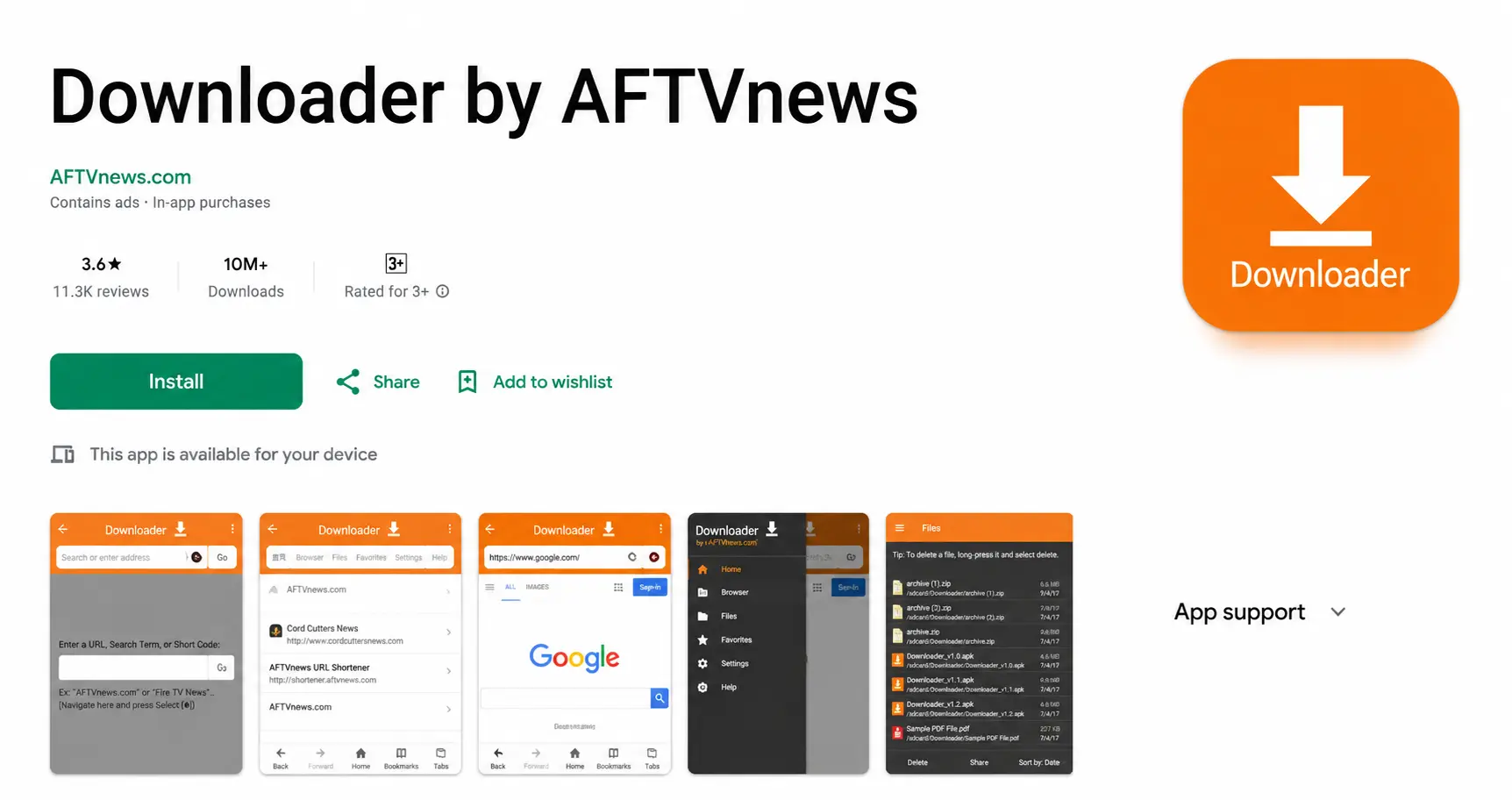
Step 1: Install Downloader
- Open Google Play.
- Search for Downloader by AFTVnews.
- Install it.
Step 2: Allow installs from unknown sources
- Open Settings.
- Go to Security (or Apps) and find Unknown Sources.
- Enable it for the Downloader app.
Step 3: Install IPTV Smarters Pro
- Open the Downloader app.
- Enter the code 78522.
- Download IPTV Smarters Pro.
- Click Install.
Downloader code:
Log In with the Xtream Codes API
- Open IPTV Smarters Pro.
- Select Login with Xtream Codes API.
- Enter your profile name, username, password and server URL.
The channels and categories load automatically.
How to Set Up IPTV on an Android Phone
The process is almost the same as on Android TV:
- Install XCIPTV, TiviMate or IPTV Smarters Pro.
- Open the app.
- Select Xtream Codes API login.
- Enter your subscription details.
- Wait for the channels to load.
Using a Chromecast with Google TV instead? See the best IPTV apps for Google TV.
Troubleshooting
Authorization failed
- Incorrect username or password.
- Wrong server URL.
- Expired subscription.
Double-check your login details. If the error continues, turn off your VPN and try again.
Need Help Setting Up IPTV on Android?
Contact BangosPlay support and we will help you install IPTV on Android phones, Android TV and Android boxes, configure your Xtream Codes login and fix streaming or login issues quickly.
Don't have a subscription yet? View our IPTV packages.
Contact Support