
How to Set Up IPTV on iPhone and iPad
Install IPTV on iPhone and iPad with the best iOS IPTV apps and an Xtream Codes API login.
This guide helps you choose the right app and set it up so you can start watching IPTV channels on your iPhone or iPad in a few minutes. All three apps below are in the App Store — no side-loading needed.
Best IPTV Apps for iPhone and iPad
- Smarters Player Lite — easy to use and beginner friendly.
- IPTVX — modern interface and strong performance.
- TiviMax — premium player with advanced features.
1. Smarters Player Lite
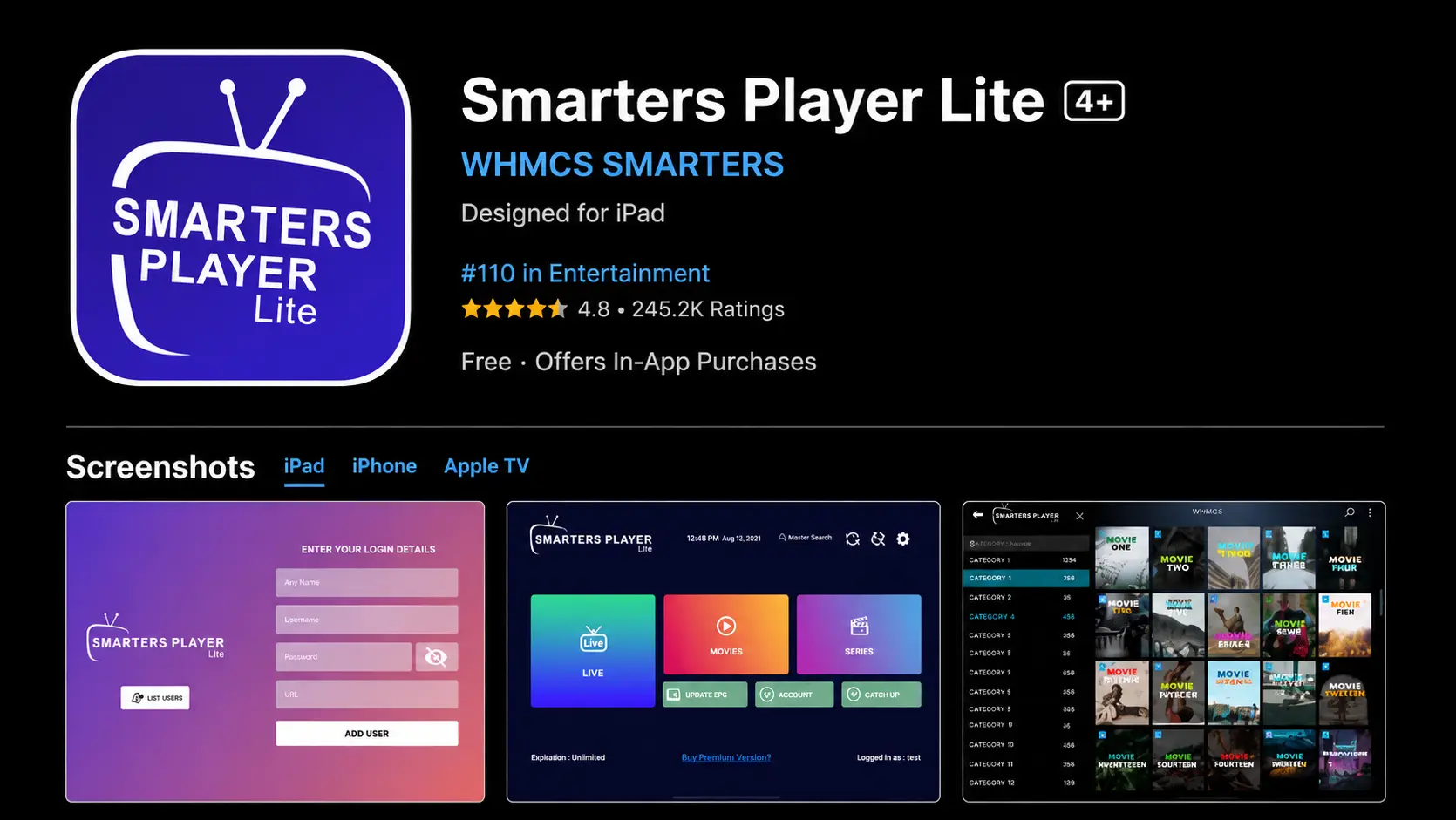
Smarters Player Lite is one of the most popular IPTV apps for iPhone and iPad. It supports Xtream Codes API login, M3U playlists, live TV, movies and series.
- Free app with a simple interface.
- Supports Xtream Codes API.
- Works on iPhone, iPad and Apple TV.
How to log in to Smarters Player Lite
- Download Smarters Player Lite from the App Store.
- Open the app and select Login with Xtream Codes API.
- Enter your username, password and server URL.
- Tap Add User to load your IPTV channels.
2. IPTVX
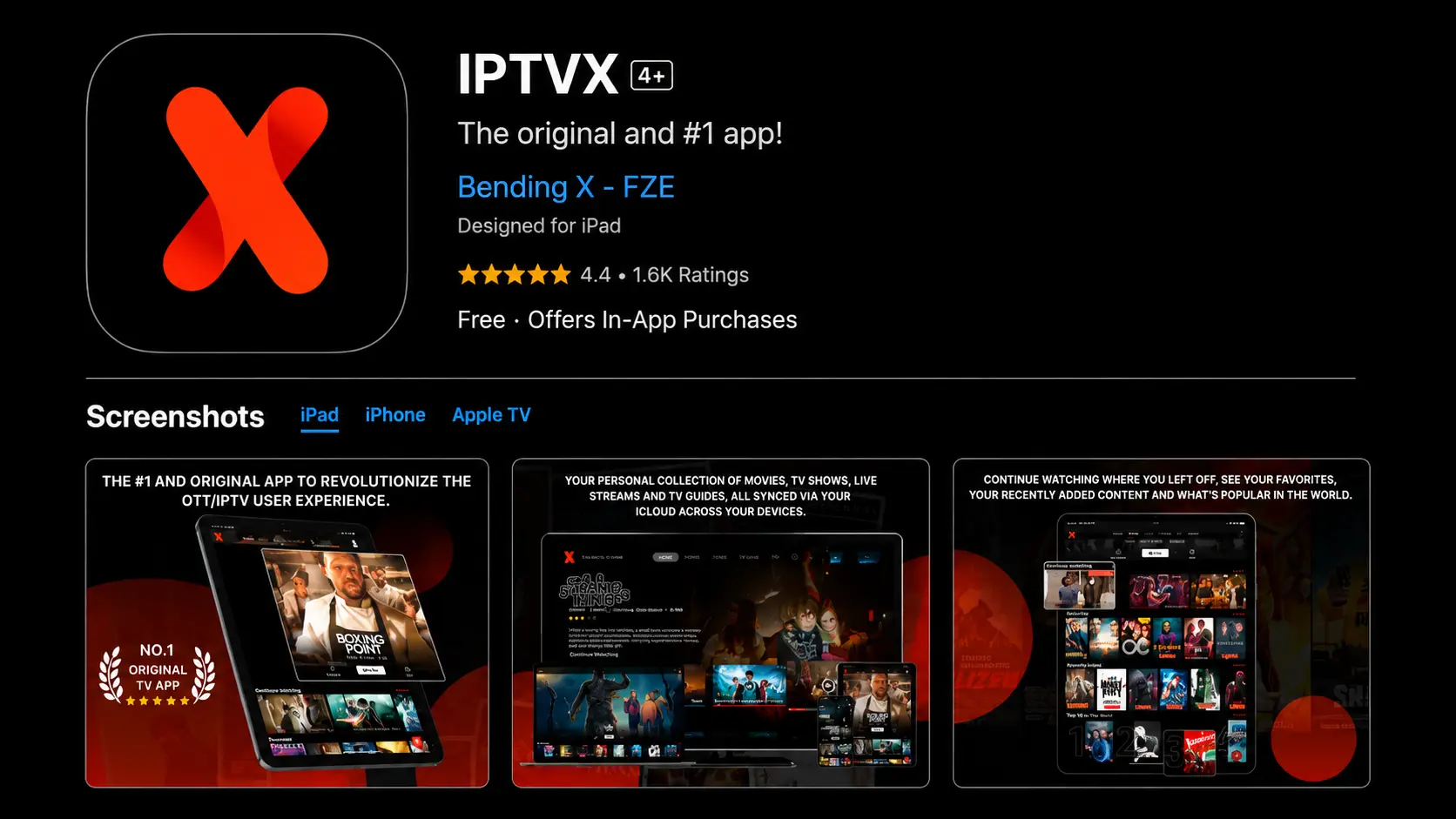
IPTVX is one of the best IPTV apps for iOS, with smooth performance, a modern interface and advanced features for a premium experience.
- Premium app with advanced features.
- Supports multiple playlists and EPG.
- Excellent stability and smooth playback.
How to log in to IPTVX
- Download IPTVX from the App Store.
- Open the app and select Login with Xtream Codes API.
- Enter your username, password and server URL.
- Tap Add User to load your IPTV channels.
3. TiviMax
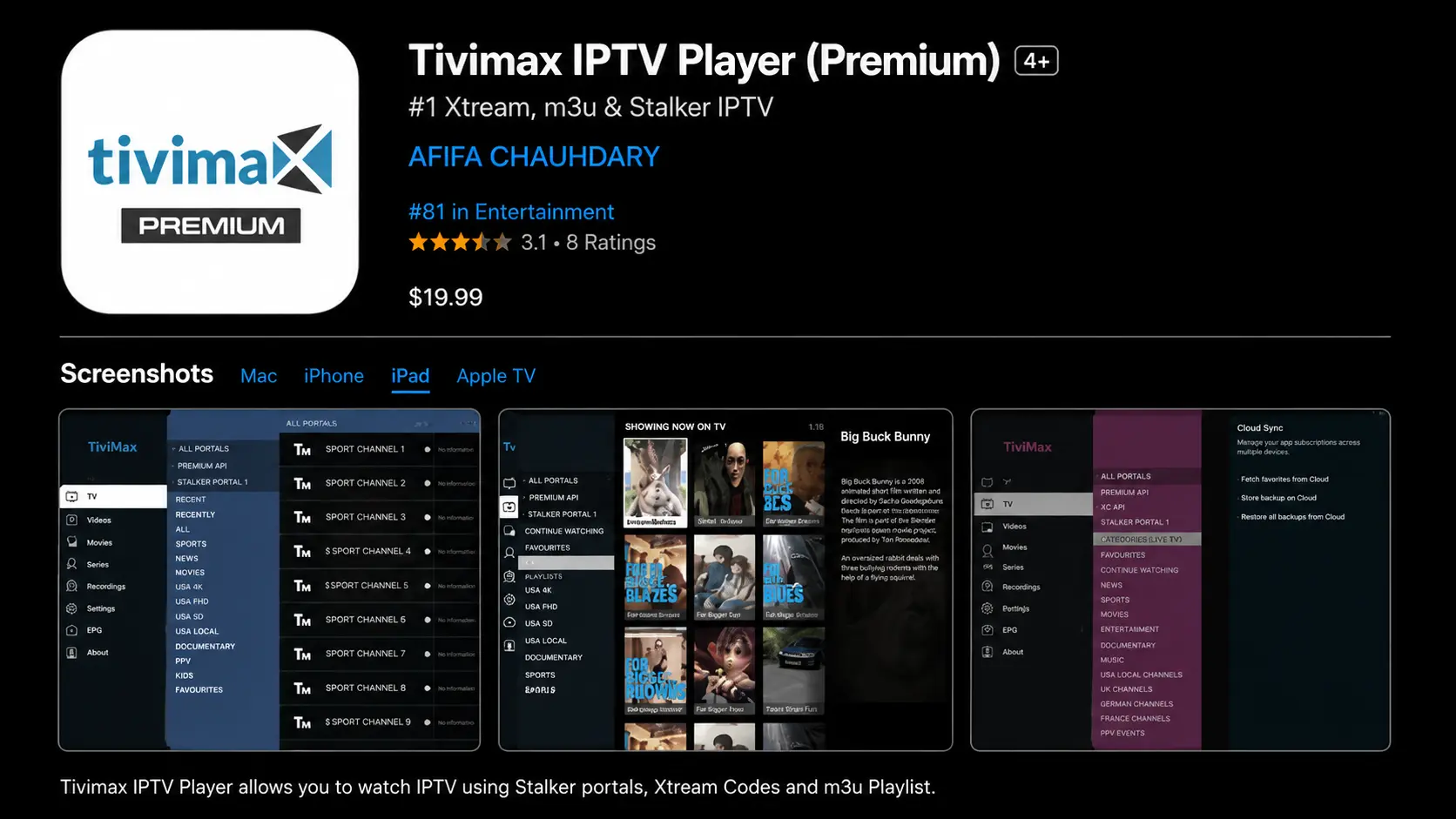
TiviMax is considered one of the closest alternatives to TiviMate on iPhone and iPad, with a stable and feature-rich IPTV experience.
- Free version with premium options.
- Supports VOD, catch-up TV and multiple playlists.
- Includes parental controls.
How to log in to TiviMax
- Download TiviMax from the App Store.
- Open the app and select Login with Xtream Codes API.
- Enter your username, password and server URL.
- Tap Add User to load your IPTV channels.
Login Details You Need
- Any name: any profile name you like.
- Username: sent to you by email or WhatsApp.
- Password: provided with your IPTV subscription.
- Server URL: usually starts with http:// or https://
Type the username, password and server URL exactly as received — one wrong letter causes a login error.
Troubleshooting
Authorization failed
- Check your username and password.
- Make sure the server URL is correct.
- Turn off your VPN and try again.
- Confirm that your subscription is active.
Channels not loading
- Restart the app.
- Check your internet connection.
- Refresh the playlist inside the app.
- Contact support if the problem continues.
Final Notes
Smarters Player Lite is the easiest option for beginners, while IPTVX and TiviMax are great if you want a premium interface and more features. Watching on a MacBook too? See the Mac setup guide.
Need Help Setting Up IPTV on iPhone or iPad?
Contact BangosPlay support and we will help you install IPTV on iPhone, iPad or Apple TV, configure your Xtream Codes login and fix any streaming or login issue quickly.
Don't have a subscription yet? View our IPTV packages.
Contact Support