
How to Watch IPTV on VLC with an M3U Playlist
VLC is free, already installed on millions of computers, and opens an IPTV playlist in under a minute. The fastest way to check your channels work.
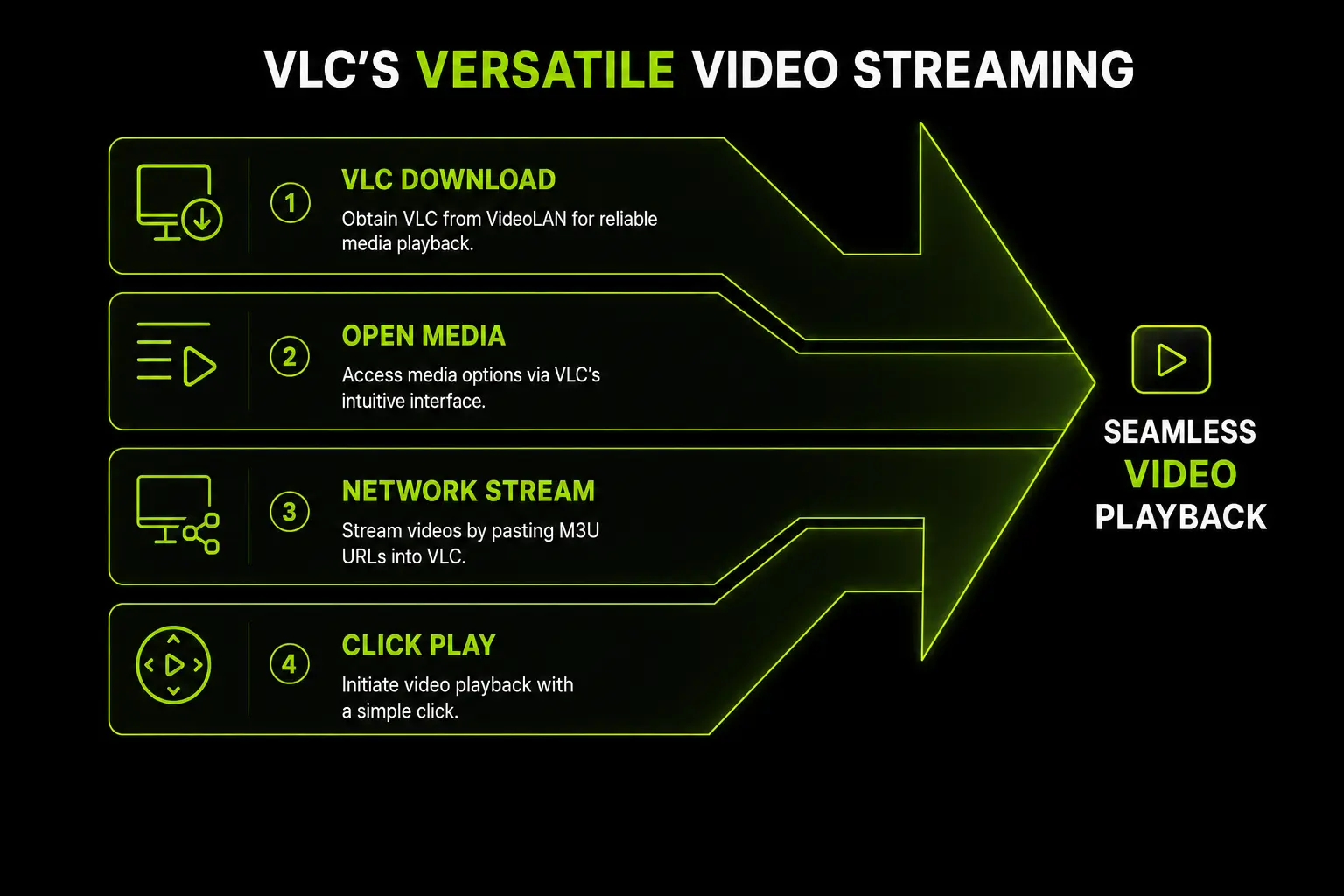
VLC plays IPTV through an M3U playlist link — one long web address that lists every channel. It has no login screen for Xtream Codes, so ask support for the M3U link of your BangosPlay account if you don't have it yet.
VLC on Windows and Mac
- Download VLC from the official VideoLAN website and install it.
- Open VLC and go to Media > Open Network Stream (Mac: File > Open Network).
- Paste your M3U link and click Play.
- Open the playlist with View > Playlist (Ctrl+L on Windows) to see every channel and double-click one to watch it.
VLC on Android and iPhone
- Install VLC for Android from Google Play or VLC for Mobile from the App Store.
- Open the Network (or More) tab and choose Stream / Open Network Stream.
- Paste your M3U link and start playback.
On a phone, a dedicated IPTV app is much more comfortable — see the Android and iPhone guides.
Settings That Fix Stutter in VLC
Raise network caching
Tools > Preferences, switch to Show settings: All, then Input / Codecs > Network caching. Raising it to around 3000 ms gives VLC a few seconds of buffer and stops short freezes on live channels.
Turn on deinterlacing for sports
Interlaced broadcasts show comb-like lines on fast motion. Use Video > Deinterlace > On — it makes football and racing look much cleaner.
Hardware decoding
If 4K channels stutter, check that hardware-accelerated decoding is enabled in Input / Codecs. More fixes in the buffering guide.
What VLC Cannot Do
- No TV guide grid. You see channel names, not what is on now and next.
- No catch-up and no separate Movies and Series sections.
- Slow with huge playlists. Scrolling thousands of channels in a list is tiring.
That is why VLC is perfect for testing and occasional viewing on a computer, while a full player is better every day: IPTV Smarters Pro on Windows and Mac, or Kodi if you want a TV-style guide on a computer. Compare them all on the IPTV apps page.
Test Your Channels in VLC
Request a free trial and open it in VLC in under a minute — or ask support for your M3U link.
Contact Support