
IPTV Smarters Pro: Setup, Features and Tips
The most widely used IPTV player: free, simple, and available on almost every device. Where to get it, how to log in, and the settings that make it run better.
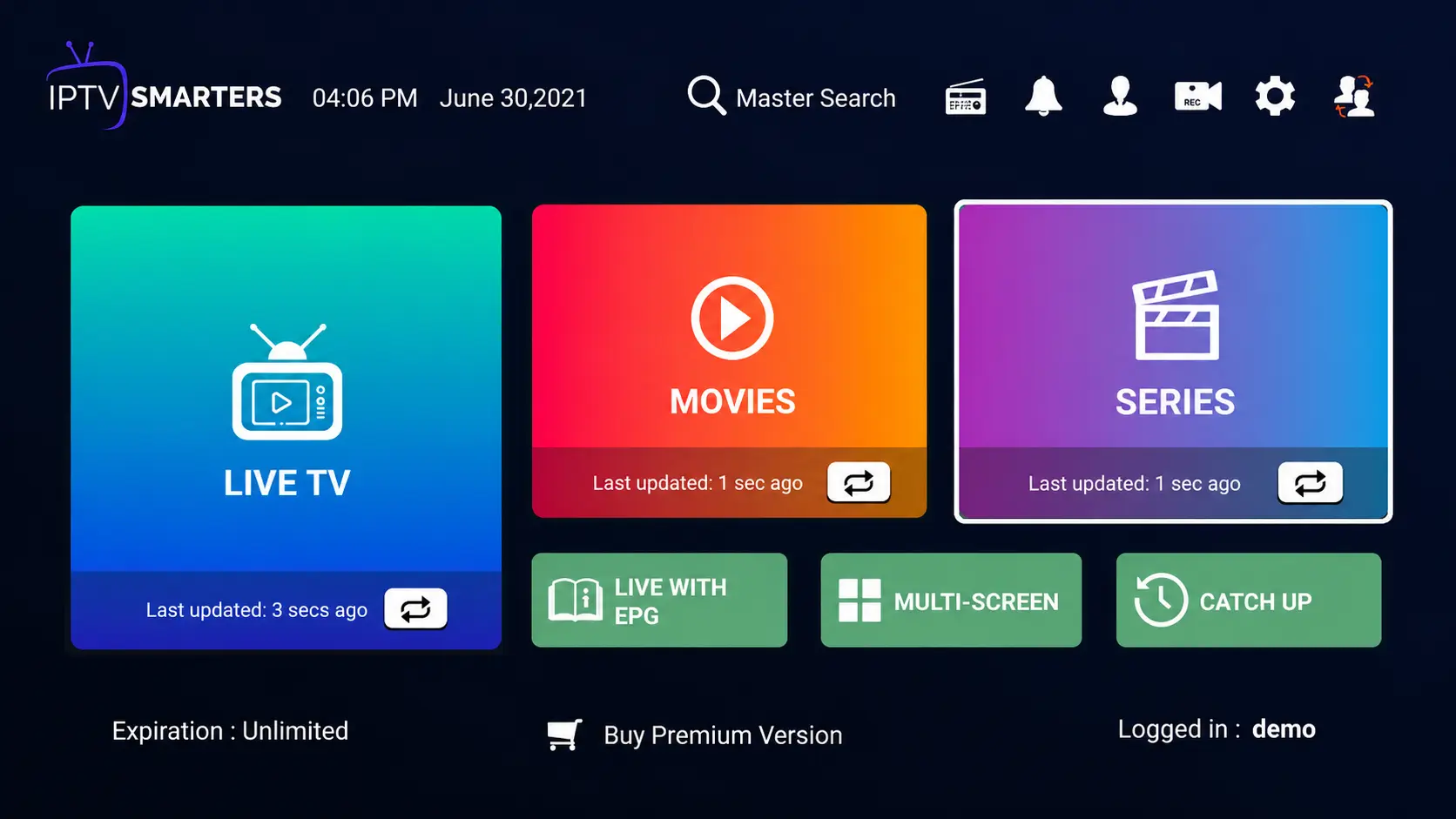
IPTV Smarters Pro is a player, not a service: it does not come with any channels. You add your own subscription — BangosPlay or any other — and the app organizes it into Live TV, Movies and Series, with a TV guide and catch-up. That is why it is the first app most people try.
Where to Get IPTV Smarters on Each Device
| Device | How to install | Guide |
|---|---|---|
| Firestick / Fire TV | Downloader app, code 78522 | Firestick |
| Android phone, Android TV, box | Google Play, or Downloader code 78522 | Android |
| Samsung, LG Smart TV | The TV's own app store | Smart TV |
| Windows PC | Installer from the official website | Windows |
| Mac | Mac version from the official website | Mac |
| iPhone, iPad, Apple TV | "Smarters Player Lite" on the App Store | iPhone / iPad |
How to Log In
Login with Xtream Codes API (recommended)
- Open the app and choose Login with Xtream Codes API.
- Any name — a profile name, for example "BangosPlay".
- Username and Password — exactly as in your activation message.
- Server URL — the full address including
http://and the port. - Tap Add User. Channels, movies, series and the guide load in a minute or two.
Load your playlist (M3U)
The second option takes a single M3U link. It works, but loads more slowly and depends on a separate guide link — use Xtream Codes whenever you can. Getting "Authorization failed"? See the fixes in order.
What IPTV Smarters Does Well
- Live TV with a TV guide and catch-up on channels that support it.
- Separate Movies and Series sections with posters, seasons and episodes — see the VOD library.
- Favorites and search across live channels and on-demand titles.
- Parental controls to lock categories.
- Multi-screen on larger screens, to watch more than one channel at a time.
- External players — open a stream in VLC or MX Player if the built-in player struggles.
Where it is weaker: the TV guide is plainer than TiviMate's, and on some older Smart TVs the app can feel slow with very large channel lists.
Settings Worth Changing
Player
In the settings you can choose between the built-in players and an external one. If a channel stutters or shows a black screen, switching the player is the quickest fix.
Stream format
Some versions let you choose the stream format (MPEG-TS or HLS). If channels are slow to start or keep stopping, try the other format.
Time format and guide
Set the time format you prefer, and refresh the guide after your first login. If the programmes are at the wrong times, see the EPG time-zone fix.
Common IPTV Smarters Problems
- "Failed to authorize" / "Authorization failed" — usually a typo, an expired account or a VPN.
- Buffering and freezing — network, device or app settings.
- No channels, black screen or crashes — fixes by symptom.
Ready to Use IPTV Smarters?
Get your login details with a BangosPlay plan — or test it free first.
View Packages