
How to Set Up IPTV on Mac OS
Install IPTV Smarters Pro on macOS and log in with your IPTV subscription details to watch live TV, movies, sports and series directly on your Mac.
With IPTV Smarters Pro you can watch live channels, movies and series on your MacBook or iMac using the login details sent by your IPTV provider. The setup has four steps.
Step 1: Download IPTV Smarters Pro for Mac OS
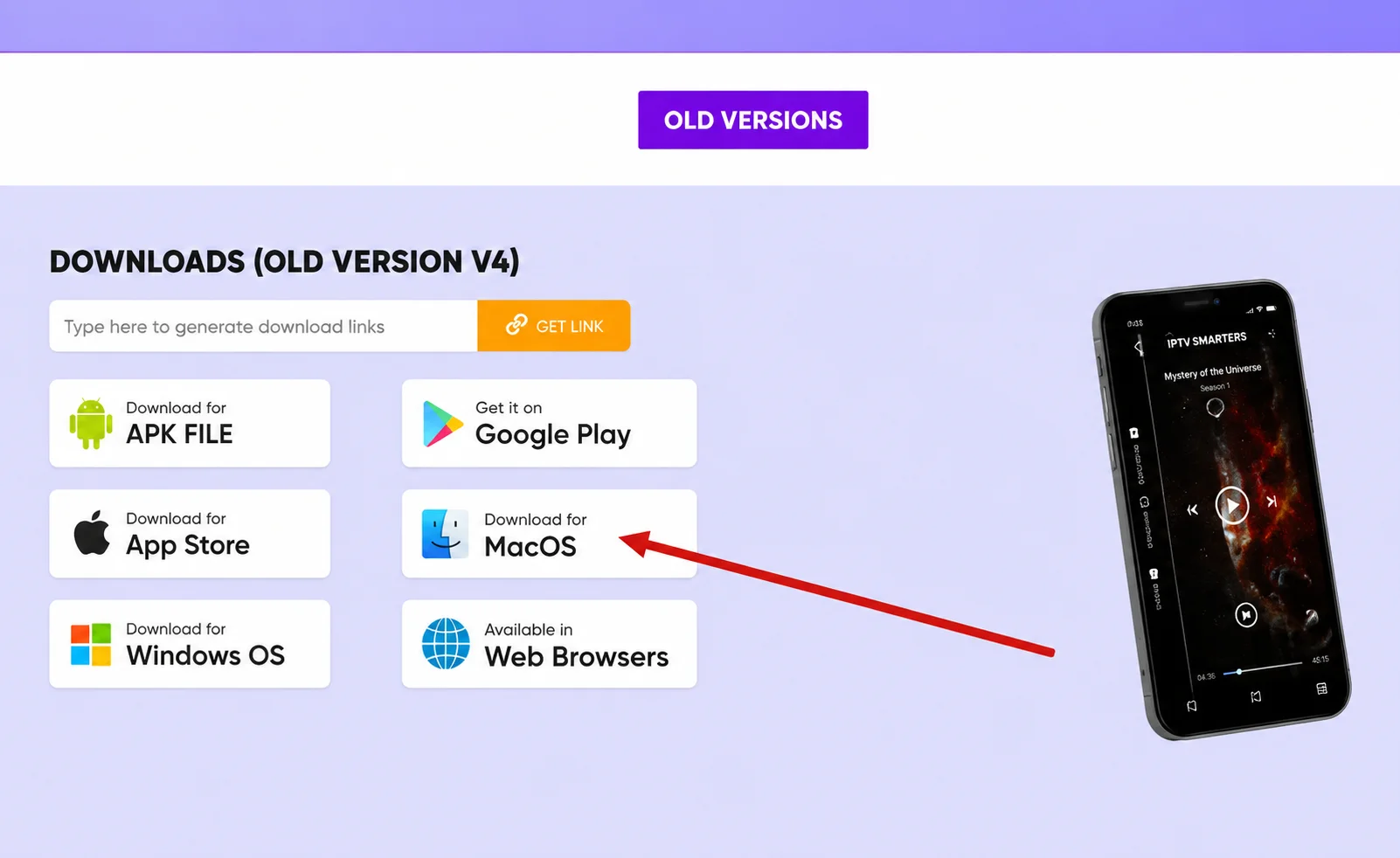
Download the Mac version of IPTV Smarters Pro from the official download page or the link from your IPTV provider.
Step 2: Allow Apps from Unidentified Developers
macOS may block apps from unidentified developers. If the app does not open, allow it in your security settings:
- Click the Apple menu and open System Settings.
- Go to Privacy & Security.
- Find the blocked-app message and click Open Anyway.
- Enter your Mac password if asked.
- Open IPTV Smarters Pro again.
On older macOS versions the option is under System Preferences → Security & Privacy.
Step 3: Install IPTV Smarters Pro
- Open your Downloads folder.
- Find the IPTV Smarters Pro installation file.
- Double-click it and follow the installation steps.
- Open your Applications folder.
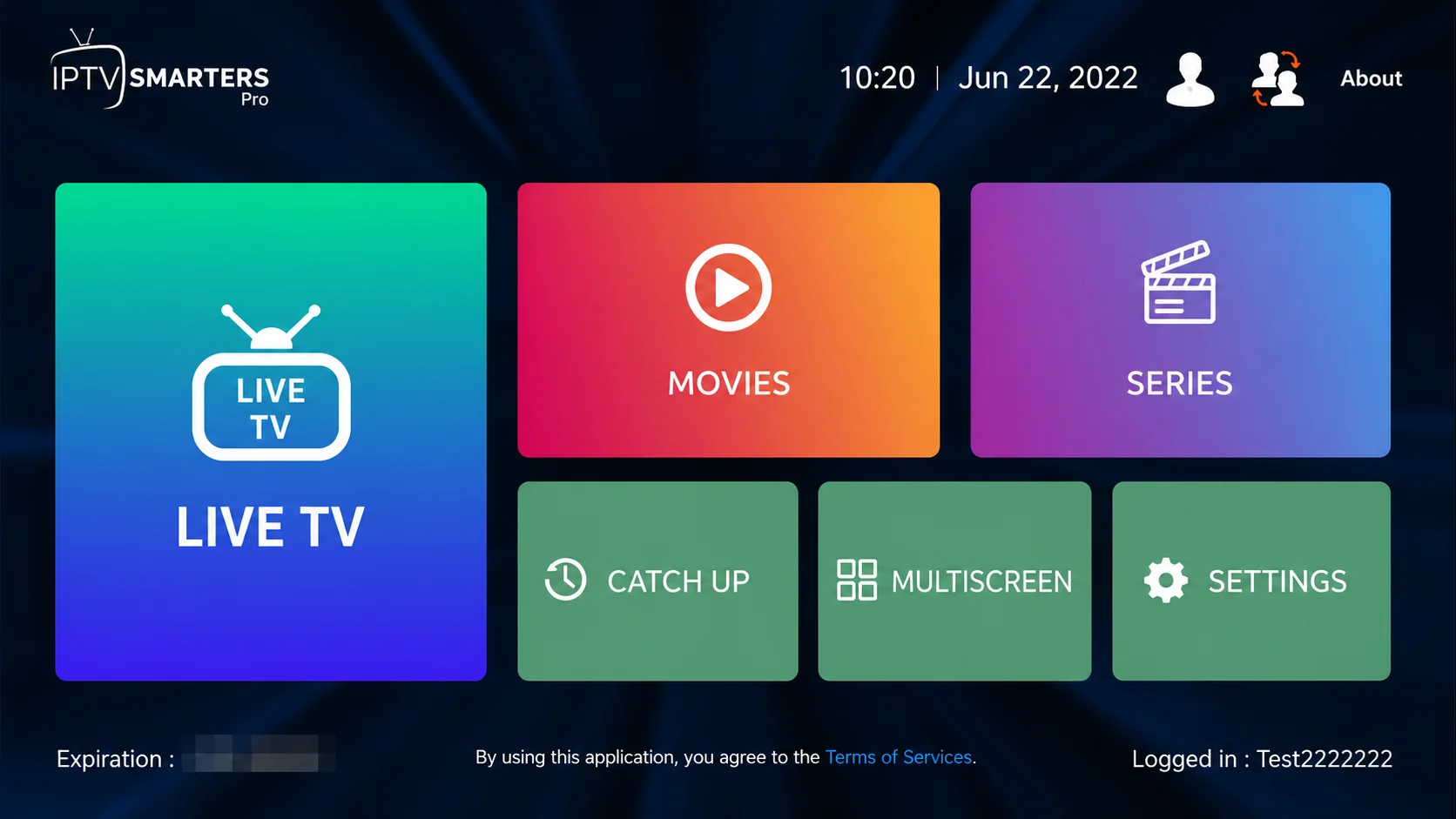
- Double-click IPTV Smarters Pro to launch it.
Step 4: Enter Your IPTV Subscription Details
Choose Login with Xtream Codes API and enter the details you received by email or WhatsApp.
- First box: profile name — anything you like.
- Second box: your username.
- Third box: your password.
- Fourth box: server URL, usually starting with
http://orhttps://.
Click Add User or Login. The app loads your live channels, movies, series and TV guide.
Troubleshooting
Authorization failed
- Check that your username and password are typed correctly.
- Make sure the server URL is complete.
- Try turning off your VPN.
- Confirm that your IPTV subscription is active.
The app does not open
Go back to Privacy & Security, click Open Anyway, then launch the app again.
Conclusion
Download IPTV Smarters Pro, allow it in your Mac's security settings, install it and log in with your Xtream Codes details. Want the same channels on your phone? Follow the iPhone and iPad guide.
Need Help Setting Up IPTV on Mac OS?
Contact BangosPlay support and we will help you install IPTV on macOS, configure IPTV Smarters Pro, add your Xtream Codes login and solve any streaming or login issue quickly.
Don't have a subscription yet? View our IPTV packages.
Contact Support