
How to Set Up IPTV on a MAG Box
Configure IPTV on MAG, TVIP, Formuler and other Stalker Portal devices. Follow this simple guide to activate your IPTV subscription and start streaming quickly.
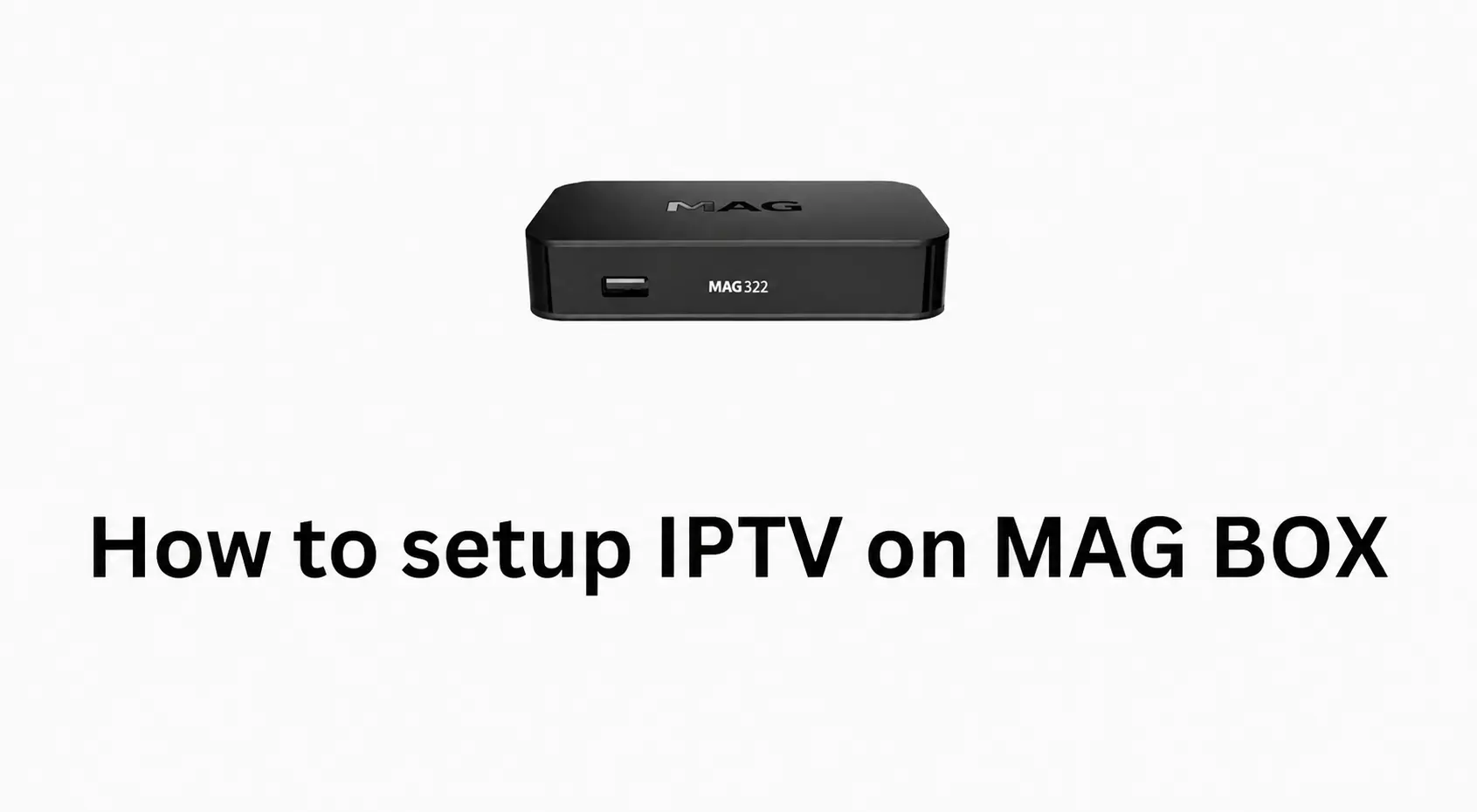
Setting up a MAG device for IPTV is simple. Whether you use a MAG, a TVIP box, a Formuler or any other device that uses the Stalker Portal method, this tutorial takes you through the setup. Unlike app-based devices, a MAG box is activated with its MAC address instead of a username and password.
Step 1: Send Us Your MAC Address
Before setup can begin, we need your device's MAC address — a unique identifier for your MAG box.
Find your MAC address
- Turn on your MAG device.
- Go to Settings or About.
- Find the MAC address on the screen or on the sticker at the back of the device.
- It looks like this: 00:1A:2B:3C:4D:5E.
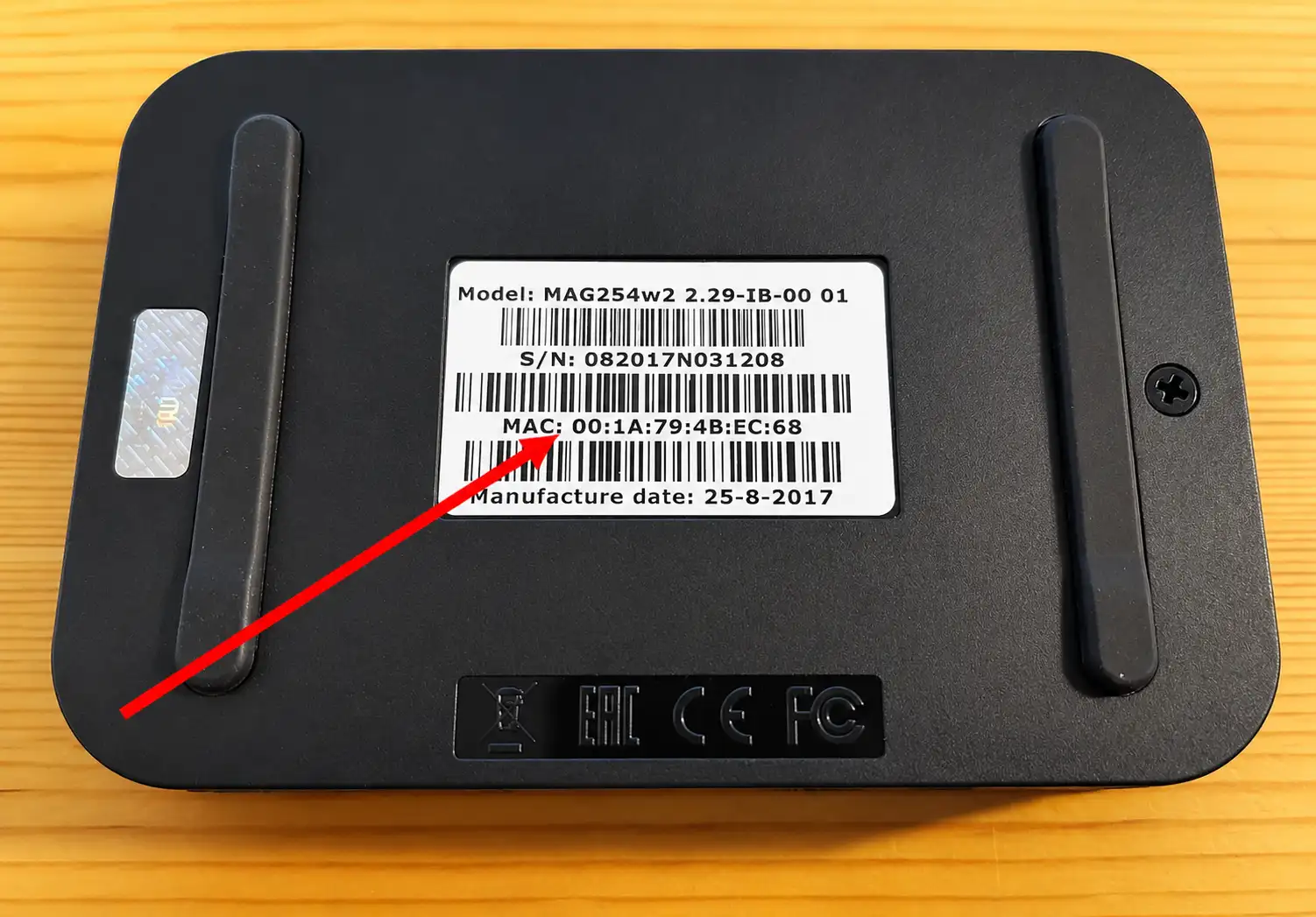
Send your MAC address by email or WhatsApp with your order ID, and tell us your device type — MAG, Formuler or TVIP.
Once we receive your MAC address, we send you the portal URL you need for the next step.
Step 2: Configure Your Device
Open the portal settings
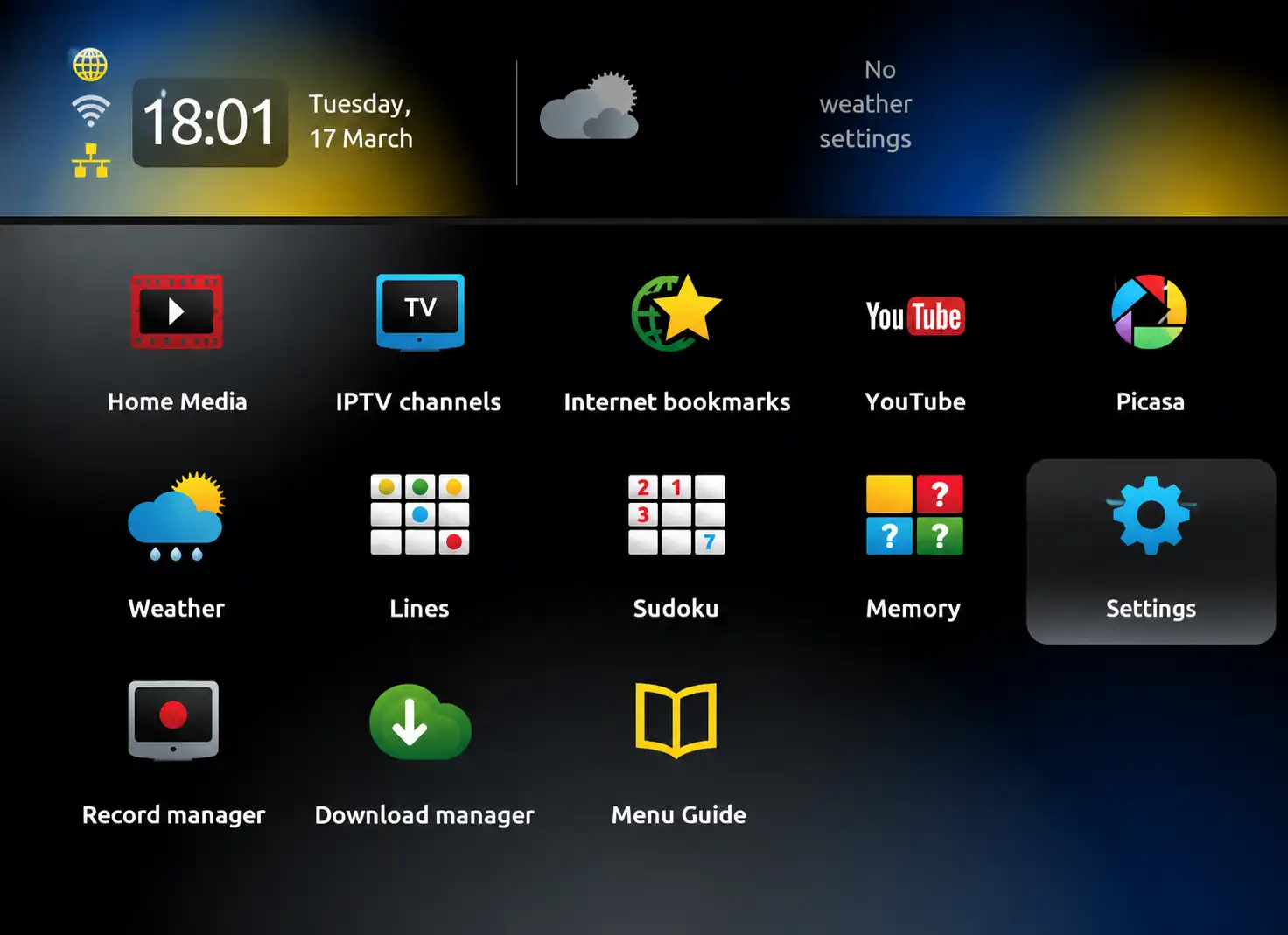
- Open your MAG home screen.
- Go to Settings.
- Open System Settings.
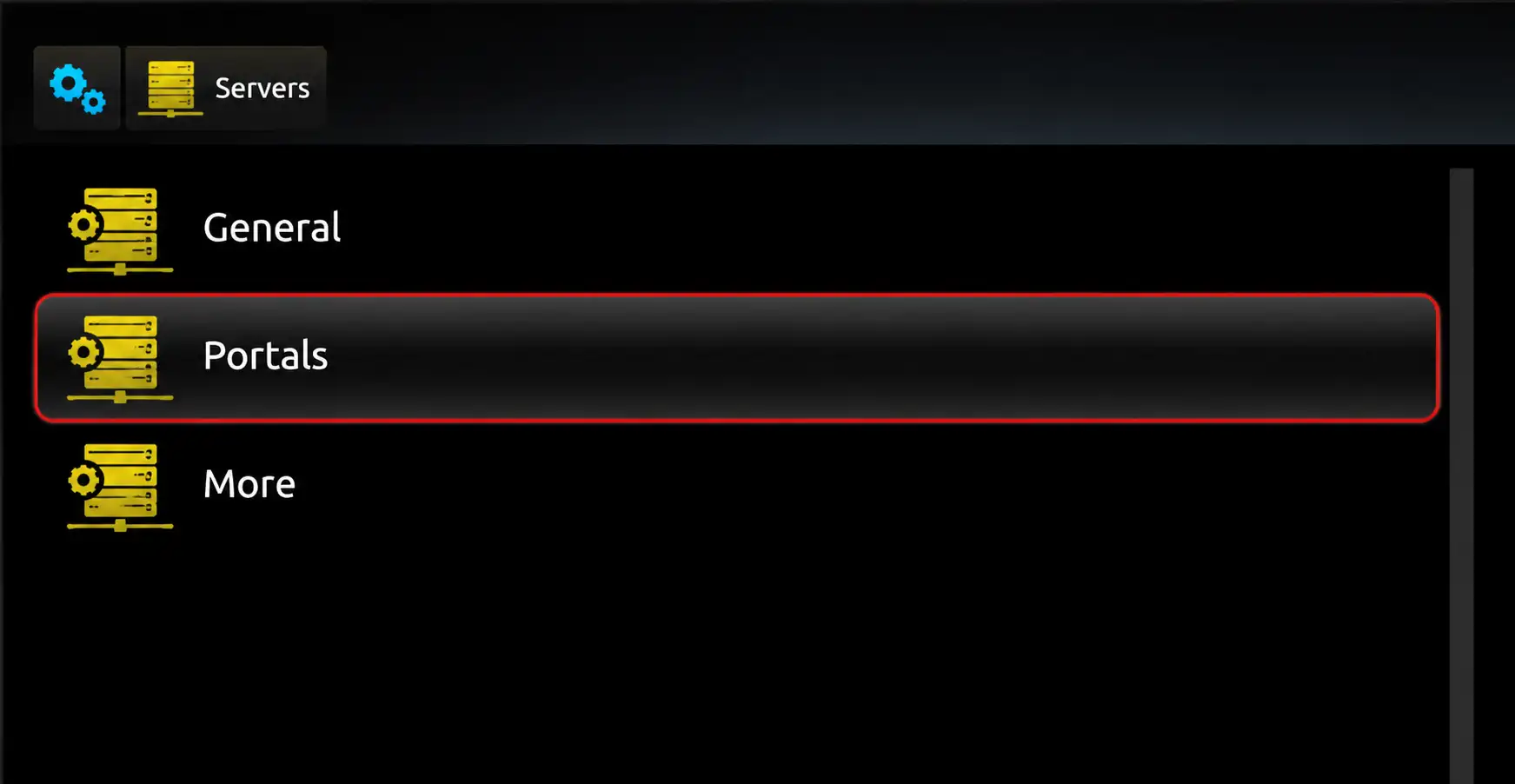
- Go to Servers.
- Select Portals.
Enter the portal URL
- Under Portal 1 Name, enter any name, for example BangosPlay.
- Under Portal 1 URL, enter the URL we sent you.
- Type the URL exactly as shown.
- Press OK to save.
The portal URL usually starts with http://. One wrong character stops the service from loading.
Step 3: Restart Your Device
- Go back to the main menu.
- Restart the device.
- Wait for the portal to load.
- Your categories, live TV, movies and series appear.
That's it — your MAG device is ready to stream your IPTV subscription.
Final Tips
- Keep your internet connection stable to avoid buffering.
- If you connect over Wi-Fi, send the Wi-Fi MAC address, not the Ethernet one.
- If the portal does not load, check the MAC address you sent for typos.
- Double-check the portal URL starts with http://.
- If your MAG shows "blocked by provider", contact support to verify your subscription.
Using an Enigma2 or Zgemma receiver instead? Follow the Enigma2 setup guide.
Need IPTV Setup Help?
Contact BangosPlay support and we will activate your MAG IPTV subscription quickly.
Don't have a subscription yet? View our IPTV packages.
Contact Support