
IPTVX: IPTV on iPhone, iPad, Apple TV and Mac
IPTVX is one of the most polished IPTV players for Apple devices. How to set it up with BangosPlay, and when it is worth choosing over a free app.
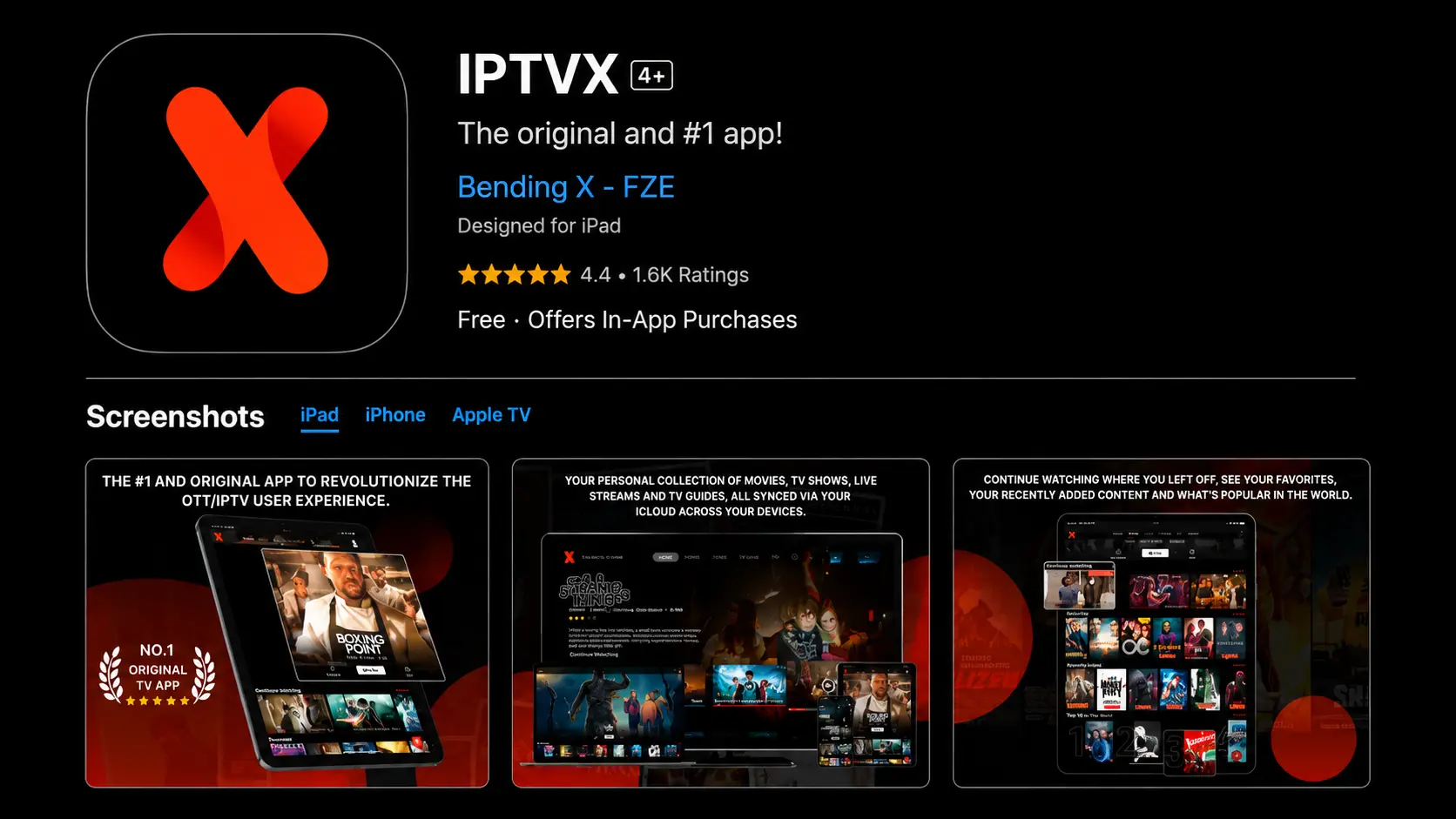
IPTVX runs on iPhone, iPad, Apple TV and Mac and is designed to feel like a native Apple app: large posters, a clean TV guide and smooth navigation with the Siri Remote. Like every IPTV player it comes without channels — you add your BangosPlay login and it shows your live TV, movies and series.
How to Set Up IPTVX
- Download IPTVX from the App Store on your device.
- Open it and choose to add a new playlist.
- Select Xtream Codes and enter the server URL, username and password from your activation message.
- Save. Channels, movies, series and the TV guide load in a minute or two.
Typing a server address with the Apple TV remote is slow. Set the playlist up on your iPhone or iPad first — IPTVX can sync it to your other Apple devices through your Apple account, so it appears on the Apple TV without retyping. Full Apple TV steps are in the Apple TV guide.
What IPTVX Does Well
- A clear TV guide for live channels, with favorites and search.
- Movies and series with posters, seasons and episodes — browse the VOD library.
- Multiple playlists and profiles.
- Sync across Apple devices, so your setup and favorites follow you.
- Native Apple feel on iPhone, iPad, Apple TV and Mac.
Is IPTVX Worth Paying For?
IPTVX is a paid app — check the current price and any trial on the App Store before you buy. Paying does not add channels; it buys a nicer interface. If you watch a lot on an Apple TV or iPad, it is one of the best experiences available. If you only watch now and then on your phone, start with the free Smarters Player Lite from our iPhone and iPad guide.
| IPTVX | Smarters Player Lite | |
|---|---|---|
| Price | Paid | Free |
| Devices | iPhone, iPad, Apple TV, Mac | iPhone, iPad, Apple TV |
| Interface | Polished, poster-led | Simple |
| Best for | Daily viewing on Apple TV and iPad | Occasional viewing and testing |
Troubleshooting
- Login refused? Check every character of your details — see login error fixes (they apply to every app).
- Guide empty or at the wrong time? See EPG fixes.
- Picture freezing? See buffering fixes.
Comparing players? See all IPTV apps.
Watch BangosPlay on Your Apple Devices
One subscription for iPhone, iPad, Apple TV and Mac — or test it free first.
View Packages